An illustrative journey using three original portfolio animations. Scroll naturally or choose a chapter.
Onboarding01 / 03
01 / BUILD CONFIDENCE
Show the first useful step.
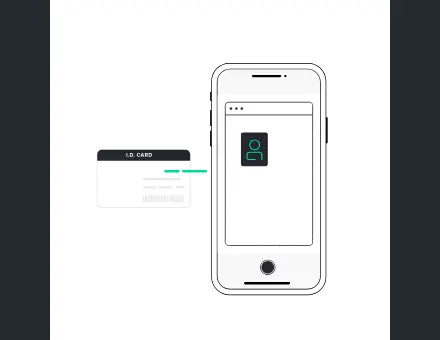
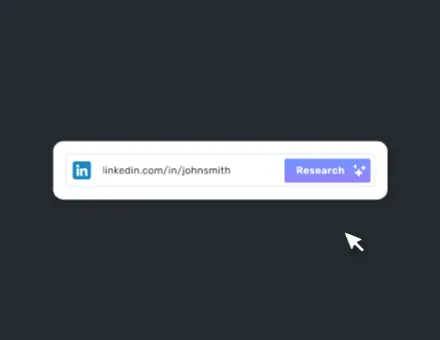
Make a new interface feel understandable. A guided reveal can connect a person, their information and the next action without asking them to decode everything at once.
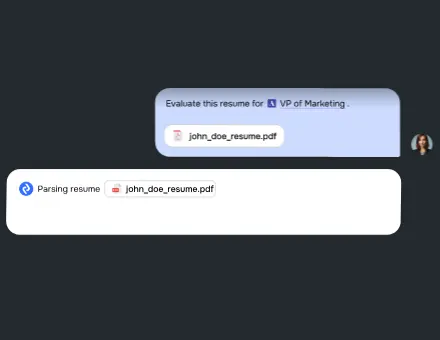
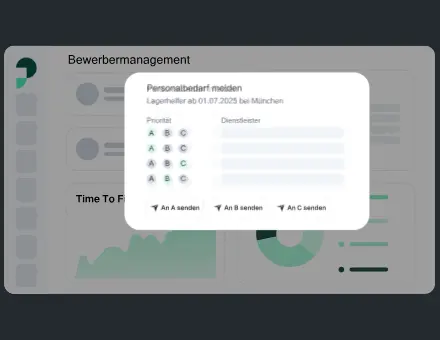
A dashboard is a chain of small decisions. Motion can connect a control to its result, reveal detail and show where the interface changed while the surrounding layout stays stable.
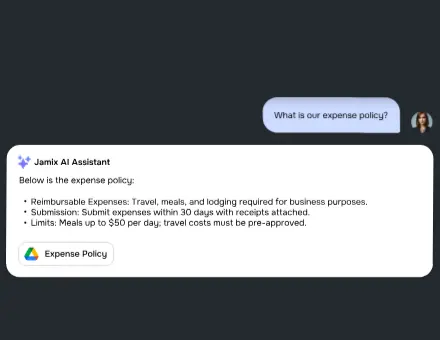
End with a readable confirmation and an obvious next step. The animation supports the message; the success text and controls still work when motion is turned off.
The motion responds to your scroll position. No forced scrolling. Prefer less motion? Your system preference keeps the previews still, and the chapter buttons remain usable.
SaaS animation should help someone understand what your software does and what they should do next. A marketing page needs to communicate value quickly; onboarding needs to guide a new user toward a useful first action; the working interface needs feedback that is clear without becoming distracting. The same visual language can connect these experiences, while timing and playback adapt to each context.
Projects in the existing portfolio include Weeztix ticketing interactions, LodgeiT tax-workflow feedback, Zoza.ai processing and onboarding, and DraftCheck document-review explanations. These are examples of delivered motion, not claims that animation alone produced a particular revenue result. For your product, we define the user question first, decide how motion could answer it, and agree what success would mean before production.
How the project runs.
01 / Define the product moment
Start with the screen, user action and response you need to explain. Share the approved assets, target platform and constraints. Choose one person to consolidate feedback, then agree the first review date.
02 / Agree on direction and scope
The proposal turns that conversation into deliverables: the number of unique animations or scenes, visual direction, target platforms, review stages and delivery dates. Existing brand and UI assets help keep the result consistent with your product. We also clarify whether illustration, script, voiceover, sound, source files or integration support belongs in this project. The starting price on this page is an entry point; the agreed scope determines the final quote.
03 / Review the design before polishing
A direction or storyboard review is the place to challenge the idea. Does the sequence explain the right thing? Is the visual hierarchy clear? Does the style belong to your brand? Fixing a story or composition at this stage is more efficient than changing it after every frame has been polished. For interface work, we check the animation in context, including nearby text, controls and the point where the user needs to act.
04 / Animate, refine and test
Production develops the approved direction into final motion. We review pacing, transitions, loops and the connection between product states. Feedback should describe the problem or goal as clearly as possible, so the solution does not become a collection of conflicting edits. For runtime animation, testing includes the selected player and representative display sizes. For video, we review the final framing, legibility and sound against the planned publishing context.
05 / Deliver a usable handoff
The handoff includes the agreed assets and the information needed to use them. That can mean playback notes, file naming, dimensions, timing, fallback imagery or implementation guidance. We confirm the difference between a one-shot sequence and a loop, and identify what should happen when a user leaves the screen or prefers reduced motion. Additional formats and source files are documented in the scope so your developer and marketing team know what they will receive.
Prices and planning timelines.
Starting package
From, USD
Planning timeline
Scope to confirm
Lottie icon
$120
First preview typically 24–48 hours
Design source, motion, export target and revisions
Web animation set
$500
Project-specific schedule
Asset count, related states and integration needs
Onboarding set
$2,000
Project-specific schedule
Connected scenes, illustrations and product flow
Explainer, 60 seconds
$1,200
Typically around 10 days
Script, storyboard, voice, sound and output versions
Timelines depend on scope and feedback. Rush work is subject to availability, and a larger set is not simply one icon repeated many times. Use the project estimator to explore quantity and complexity, then share the result in the brief. A written proposal confirms the price, milestones and included work.
Which format fits the job?
Choose a format around the visual content and interaction, then compare real exports. There is no reliable universal size ranking: an animation’s paths, images, duration, encoding and runtime all affect the result. The showroom lists actual source-file weights; those figures are not the complete transfer or runtime cost of an integration.
Format
Weight & quality
Interactivity
Support & delivery
Lottie
Vector elements scale cleanly; complexity and embedded images can increase size
Player-controlled frames, events and application logic
Requires a compatible Web, iOS or Android runtime; export features need testing
GIF
Raster frames with a limited palette; large or detailed loops may be costly
Basic image playback; limited built-in control
Broad image support; no audio
MP4
Efficient for rendered scenes, footage and 3D; fixed raster resolution
Video playback controls and host application events
Codec and browser/device support must match the delivery plan
Rive
Runtime-rendered graphics; assets and scene complexity determine cost
State-machine-driven interactions and inputs
Requires a Rive runtime and testing of the target implementation
These examples come from the existing portfolio. Open one to inspect its motion, or use it as a reference in your enquiry. A custom project is developed around your product; the gallery is not a stock licence or an instruction to reuse a client’s commissioned artwork.
Looking for a specific state or style? Search the full interactive studio, change the preview color and include the selected reference in your brief.
Prepare a brief that makes the first conversation useful.
Include the product URL, the relevant screen or story, the audience and the deadline. Explain what the animation should help someone understand, and what it should not distract from. Share design files or a link to the design system if available, plus a few references with notes about their timing, style or interaction. For an app, name the platform and player your development team intends to use.
If you are still deciding where to start, request a free motion audit. It is a personal review of possible opportunities, not an automated promise of better conversion. We can identify a focused first deliverable, then expand into a consistent motion system if the product needs it. Any measurement of activation, engagement or revenue should be planned with your team and based on actual results after release.
Questions about SaaS motion.
What do I need to send to start a SaaS motion project?
Send a product link, the screen or story you want to improve, a rough deadline and any existing design assets. References are useful when you explain what you like about them. If the scope is not clear yet, the short brief or free motion audit is a good starting point.
What are your starting prices?
Lottie icons start at $120, web animation sets at $500, onboarding sets at $2,000, and 60-second explainer videos at $1,200. Those are starting points. The proposal defines the actual scene count, deliverables, production time and included work before the project starts.
How long does production take?
A single icon typically has a first preview in 24–48 hours. A 60-second explainer usually takes around 10 days. Sets and complex sequences receive a project-specific schedule. Asset readiness, scope changes, feedback and review availability can affect the timeline, so we confirm milestones in the proposal.
Can you match our existing product design?
Yes. Share the relevant Figma screens, illustration files, brand colors, typography and any motion guidelines. We agree on direction before full production. The showroom’s color preview is a useful reference, but a custom commission can adapt composition, timing, visual hierarchy and interaction behavior as well as color.
Which file formats and platforms do you support?
Depending on the brief, delivery can include Lottie JSON, SVG, rendered video or implementation work using tools such as GSAP or Rive. We identify Web, iOS or Android targets and the specific player before export. Compatibility is checked against the agreed environment rather than assumed from a web preview.
How are feedback and revisions handled?
The scope states the review stages and included revision rounds. Consolidated feedback from one decision maker helps preserve both direction and schedule. A change to the story, illustration style or deliverable count after approval may need a scope update; we discuss that before doing the extra work.
Will the animation slow down our product?
It depends on the actual file, rendering complexity, runtime and number of simultaneous players. We can agree on a file budget, use static posters where useful, pause offscreen motion and test representative devices. No animation format is automatically lightweight, and a small file can still be expensive to render.
How can I hire you or request a quote?
Use the brief on this page, email sergey@sergeydesigner.pro, message on Telegram or contact me through Upwork. You can attach a showroom reference or start with the estimator. I review the information and confirm scope, price and availability before production; the calculator is not a binding quote.
Choose the next step.
Compare services, review the case studies or send a short brief. You do not need a complete animation specification to start; a clear description of the product and the problem is enough for the first conversation. Scope, delivery and cost are agreed before production begins.